.png)
When stock is tight somebody decides who gets shorted. Intelligent allocation turns that into rules you write once: completion dates, factored orders, customer priority, your own fields. Then it commits stock and incoming production against orders down to the size level, without promising the same units twice.

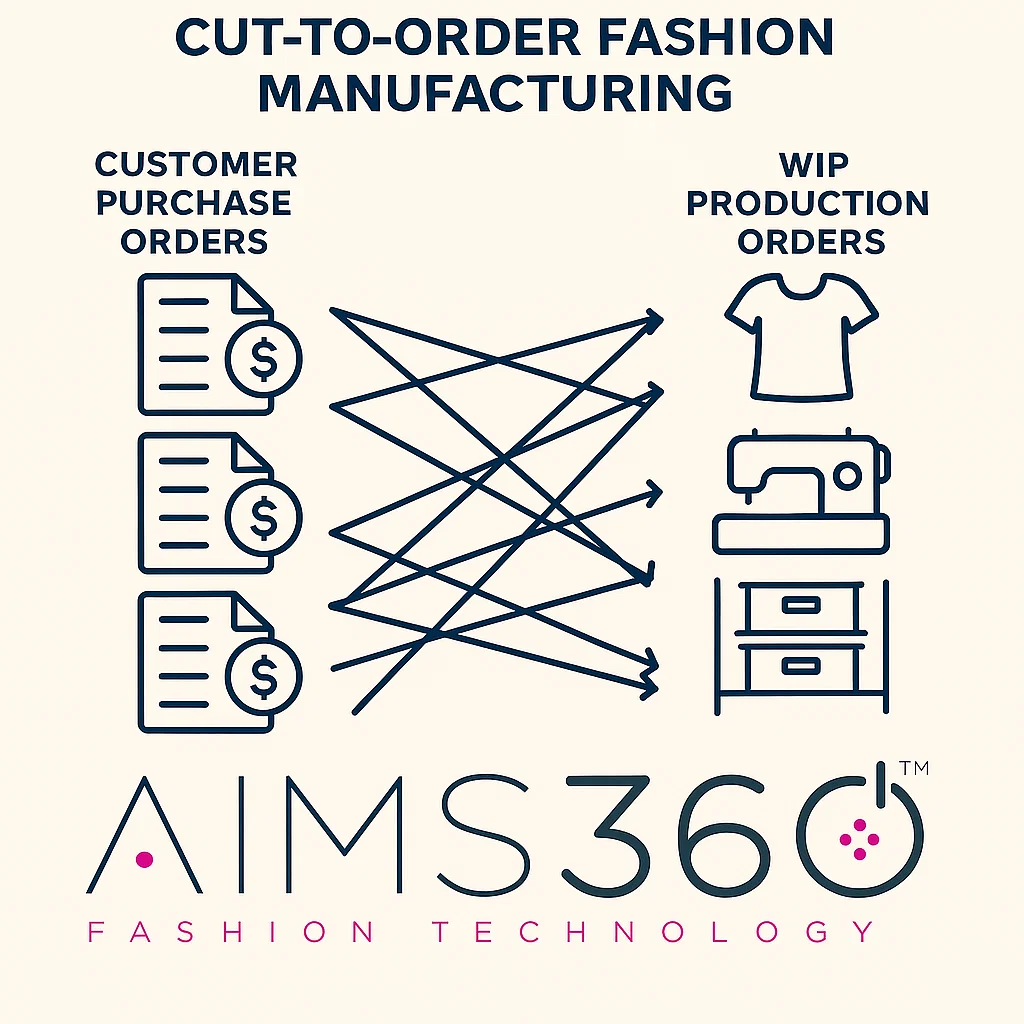
When stock is tight, somebody decides who gets shorted. In most brands that decision is made by hand, under time pressure, by whoever opened the order book first. Intelligent allocation turns it into rules you write once: completion dates, factored orders, customer priority, your own fields. Then it commits stock and incoming production against orders down to the size level, without promising the same units twice.
Allocation is assigning goods to customer orders so they can be picked and shipped on time. The goods can be stock sitting in the warehouse now, or work in process still being cut, sewn or shipped to you.
Intelligent allocation does it by rules instead of by hand. You build allocation profiles, the module reads your open orders against available stock and incoming production, and it commits units according to the priorities you set, down to the size level, without over-allocating.
The honest framing: this is not a system that guesses what you want. It is a system that executes what you decided, identically, every time, at a scale and a level of detail a person working through a grid cannot match. The intelligence is in the rules being applied consistently and at size level, not in the software having an opinion.
If someone is creating pick tickets early, or physically pushing cartons to one side of the warehouse so a particular account does not lose them, that is allocation being done with a forklift. It works right up until the person doing it is on vacation.
If you are creating allocated production today, intelligent allocation does the same job down to the size level instead of style and color, which is where the shorting actually happens.
A purchase order lands and now you want existing orders matched to it. The manual route shows you every order line with that style and color and leaves it to you, then needs a separate report to check you have not promised the same units twice.
Stock exists, orders exist, and a person is deciding the split. That decision is a rule. Rules are better written down than remembered.
Orders that ship same or next day should not queue behind a bulk order that ships in six weeks. A profile settles that permanently.
If two or more of those landed, allocation is already happening in your business. It is just happening in someone's head, or in a spreadsheet, or on the warehouse floor.
A profile is a named set of rules. It decides what pool to allocate from, whether past due work is in scope, and in what order the priorities apply. There are no profiles in the system by default, so the first one is a design exercise rather than a checkbox.
Each profile chooses whether to allocate from existing stock, from work in process, or from both. Most brands run several profiles: stock only for goods shipping now, stock and WIP together for upcoming ship windows, and WIP only for production planning and reporting.
By default only orders that are not past due are considered. Against WIP the order completion date has to be later than the WIP completion date; against stock the order start or complete date has to be later than the allocation date. Past due orders and past due WIP can both be included deliberately.
Every parameter gets a sort position, and moving one renumbers the rest. The profile ends up reading top to bottom in the order the decision actually gets made, which is also what makes it reviewable by somebody who did not build it.
The run allocates to the prioritized orders first, then distributes what is left across the remaining orders in the selection. Nothing is stranded just because it did not match a rule.
Among the parameters available in a profile. Each carries an operator and a value where one applies.
| Parameter | What it does |
|---|---|
| Order completion date | The date the order has to be complete by. Usually the first rule, because it is the one the retailer measures you on. Can be set as greater than, less than or a range. |
| Order entry date | Leave the value empty and the earliest entered orders win. Useful as a tie breaker underneath completion date rather than as the headline rule. |
| Factored orders | Prioritize orders sold to your factor, by factor, so the receivables you have already financed ship before the ones you carry yourself. One of the more apparel specific rules and one of the more valuable. |
| Customer priority | The priority number on the order. 1 wins, 9 loses. This is the rule that encodes “this account does not get shorted” without anyone having to remember it. |
| Order status | Take open orders before on-hold orders, so goods do not get committed to something credit has paused. |
| Your own custom fields | Order-level custom fields appear in the parameter list, so a rule can key off something specific to how your business actually decides. |
Rules combine. A working first profile for most wholesale brands is completion date, then factored orders, then customer priority, then order entry date as the tie breaker. That single sequence encodes “ship what is due first, protect the financed receivables, do not short the key accounts, and settle ties by who ordered first” without anyone having to hold it in their head.
Allocation runs down to the size level on each order line. Older style and color level allocation marks a line as covered when the style and color match, which is precisely how a brand ends up shipping an order that is complete on paper and short on mediums.
Nobody runs out of a style. They run out of size medium. Allocating at style and color hides that until the pick ticket, which is far too late to do anything about it.
The module allocates without over-allocating against stock or WIP. Manual allocation cannot promise that, which is why the manual route needs a separate report afterwards to check nobody committed the same goods to two customers.
Because allocation happens per size, a single order line can carry more than one allocation reference. That is a change from the old model, where a line could only ever point at one.
The same profile against the same order book produces the same allocation regardless of who ran it or what kind of week they were having. That is most of the value.
Save an allocation you run regularly as a template and pick it from a dropdown next time instead of rebuilding the criteria. Most brands end up with a daily one and a weekly one, or separate stock and WIP runs.
A dynamic template stores the sort and filter you used, so the next run picks up whatever orders now match. New orders entered since the last run are included automatically, which is the entire point of saving it.
A static template locks the specific order lines that were selected, so the same lines are chosen every run. It exists for narrow cases and is not the general recommendation, because an allocation that ignores everything new is rarely what anyone wants twice.
A public template can be found and run by anyone; a private one only by the person who created it. Anything intended to run on a schedule should be public, for the obvious reason.
Tell us which saved template you want run and how often and our team sets up the scheduled run. Saved templates are listed under setup, so you can confirm the name and check what exists before asking.
Allocated goods are committed, not picked. The units are spoken for and cannot be quietly sold to somebody else, but the warehouse has not touched them yet.
Intelligent allocation is one of the three ways to create a pick ticket, so the units a profile reserved become the units on the ticket. From there it is the normal pick, pack, label and invoice path.
Once goods are picked they are held for that order, which is allocation by another name. And like an allocation it can be undone: a pick ticket can be modified or canceled and the goods picked again for somebody else.
Because allocation and stock sit on the same record, committing units immediately changes what order management shows as available and what publishes to your channels and to the 846 inventory advice.
Allocation runs are recorded, so a decision can be traced back rather than taken on trust. Worth reading in the first month while the profiles are still being tuned.
Once it is activated on your database it cannot be deactivated. That is the main reason to design the profiles with us before activation rather than switching it on to see what happens.
Reports that show a single WIP reference will stop showing one. Allocation now happens at size level, so a line can carry several allocation references where the older style and color approach could only ever hold one.
If your team reads those reports daily, that is a conversation to have before activation, not a surprise to discover after. It is a small list, but it is a real one.
None of this is a reason not to do it. It is a reason to spend an hour on the profiles first. Bring us a week where you had to short somebody and we will build the rule that would have decided it.
Allocation is assigning goods to customer orders so they can be picked and shipped on time, and those goods can be stock you already have or work in process still being made. Intelligent allocation is the module that does it by rules instead of by hand: you build allocation profiles, the system reads your open orders and available goods, and it commits units according to the priorities you set.
Three things. It allocates down to the size level on each order line rather than at style and color, it will not over-allocate, and it applies the same priorities every time regardless of who is running it. Manual allocation shows you every order line matching a style and color and leaves the judgment and the arithmetic to you, then needs a separate report to confirm you have not promised the same units twice.
A named set of rules that tells the module how to choose. A profile decides whether to allocate from stock, from WIP, or both, whether to include past due orders and past due WIP, and then carries an ordered list of priorities such as completion date, factored orders and customer priority. Most brands end up with several profiles rather than one.
As many as you have genuinely different situations. A common set is one for stock only, used for goods shipping now, one for stock and WIP together for upcoming ship windows, and one for WIP only used for production planning and reporting. There are no profiles in the system by default, so the first one is something you build with us.
Order completion date, order entry date, factored orders by factor, customer priority, order status, and order level custom fields you have created yourself. Each rule gets a sort position, and changing one position renumbers the rest, so the profile reads top to bottom the way the decision actually gets made.
It reads the priority number on the order and treats the lowest number as the most important, so 1 is allocated before 5 and 5 before 9. It is the simplest way to make sure your largest or most compliance-sensitive accounts stop getting shorted when stock is tight.
Yes, and you can prioritize by specific factor if you use more than one. For a lot of brands that is the rule with the clearest financial logic on it: the receivable is already financed, so those units should move first.
Yes, and this is the part that matters most. Allocation happens down to the size level on each order line, so an order does not get marked as covered because the style and color matched while the size curve was actually short. The older style and color level approach is exactly how brands end up shipping incomplete.
No. The module allocates without over-allocating against any WIP or stock, which is the thing manual allocation cannot promise. Because allocation now runs at size level, one order line can carry more than one allocation reference.
Only if you tell it to. By default it works on orders that are not past due: for WIP the order completion date has to be later than the WIP completion date, and for stock the order start or complete date has to be later than the date you are allocating. Both can be switched to include past due, and past due WIP can be included too.
Yes. Save the selections as an allocation template and pick it from a dropdown next time rather than rebuilding the criteria. Templates can be public so anyone can run them, or private to you, and they are listed under setup where they can be reviewed or removed.
Static locks the exact order lines you had selected, so the same lines are chosen every single run. Dynamic saves the sort and filter instead, so the next run picks up whatever orders now match. Dynamic is the right choice almost every time, because the point of saving a template is that tomorrow's orders get the same treatment as today's.
Yes, and it is set up with us rather than configured by you. Tell us which saved template you want run and how often, and our team arranges the scheduled run. Templates meant to run on a schedule should be saved as public rather than private.
Allocated goods are committed, not picked. You still create pick tickets, and intelligent allocation is one of the three ways to create them, so the units the profile reserved become the units on the ticket. From there it is the normal pick, pack, label and invoice path.
Effectively yes. Once goods are picked they are held for that order, which is allocation by another name. Like an allocation it can be changed: a pick ticket can be modified or canceled and the goods picked again for somebody else.
Yes. Allocation runs are recorded, so you can go back and see what was allocated against which orders rather than taking the result on trust. That audit trail is worth having the first month while you are still tuning the profiles.
No. Once it is activated on your database it cannot be deactivated, which is why the sensible order is to design the profiles with us first and activate second.
One of them. Reports that show a single WIP reference will stop showing one, because allocation now runs at size level and a line can have several allocation references where the old style and color approach could only ever have one. If your team relies on those reports, raise it with us before activation rather than after.
The order book was bigger than the stock, someone made a call, and an account you cared about got the short end. Walk us through how that decision got made and we will build the profile that would have made it for you, the same way, every time.


